Premiere Pro vs DaVinci Resolve for Brand Work
Answers premiere pro or davinci resolve for client work
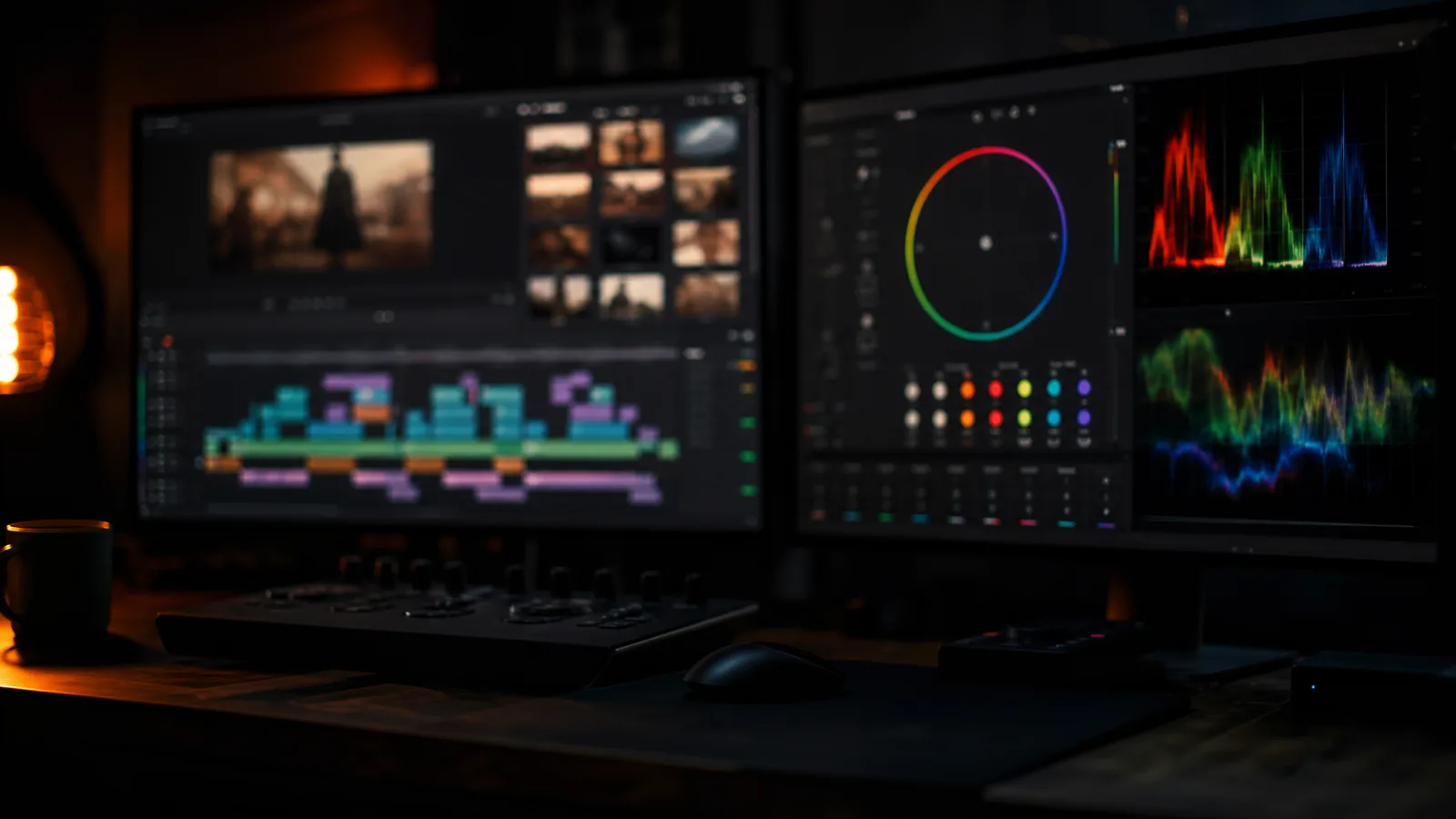
This gets argued as a matter of loyalty, which is why the arguments are useless. The two applications are good at different parts of a job, and a brand film is four jobs in sequence: cutting, graphics, colour and delivery. Rank them per job, not overall.
Cutting
Premiere is faster to start with and faster to cut on for most people, because the trim tools are more responsive and the keyboard-driven workflow is more developed. Multicam, which is most interview-led brand work, is better in Premiere.
Resolve is close now and has the better media management underneath. On a job with thousands of clips from several cameras it holds up better, and the cut page is genuinely quick for assembly.
For a straight cut: Premiere, marginally. For a messy ingests of many cameras: Resolve.
Graphics
This is not close. Premiere's Essential Graphics is fine for a lower third and wrong for anything with a system behind it. After Effects is where graphic work happens, and the Dynamic Link between Premiere and After Effects is a real advantage in a job with several rounds of graphics notes.
Resolve's Fusion page is more powerful than people give it credit for, and it is node-based, which suits compositing more than it suits motion graphics. Building animated type in Fusion is slower than in After Effects for anyone who has used both.
Graphics: Premiere and After Effects, clearly.
Colour
Also not close, the other way. Resolve's colour page is the industry standard for a reason: the node structure, the tracking, the qualifiers and the scopes are all better, and a grade built on nodes is easier to revise than one built on a stack.
Premiere's Lumetri is genuinely adequate for a simple grade, and most brand work only needs a simple grade. The difference shows when a shot needs a secondary, a tracked window, or a match that has to survive a change of direction.
Colour: Resolve, clearly.
Delivery and handover
Premiere exports more reliably to more places, and if the client has an Adobe subscription the project opens on their side without a conversation. That has real value on a job where somebody else will make the cut-downs.
Resolve's delivery page is more capable; its round-trip to another application is less predictable.
Delivery: Premiere for compatibility, Resolve for control.
What those four answers add up to
- Interview-led, graphics-heavy, several rounds of notes. Premiere Pro, with After Effects.
- Colour-led, or a long-form piece where the grade carries it. Resolve.
- Both, with a real colourist somewhere else. Cut in Premiere, grade in Resolve.
- One person, one machine, and a deadline this week. Whatever is already open and set up.
The round trip is the part people underestimate. Taking a project from Premiere to Resolve and back costs a day of preparing, relinking and checking, and it is worth it only when the grade is a significant part of the job.
What this means for hiring
Ask which application, and then ask what it means for your project rather than treating one as the correct answer. If the job is graphics-led and the editor works in Resolve, that is a conversation. If the job is a simple grade and the editor does not own Resolve, that is not a problem.
Both are free to try, if not both free: DaVinci Resolve has a genuinely full free version and is worth installing even if you cut in Premiere, because the download costs nothing and a second opinion on colour is useful on its own.
My own work runs in Premiere for the cut and After Effects for the graphics, with Resolve for anything where the grade has to hold up to close inspection. If your project leans hard one way, say which and the quote will reflect it.