Do You Need After Effects If You Have Premiere?
Answers do I need after effects with premiere pro
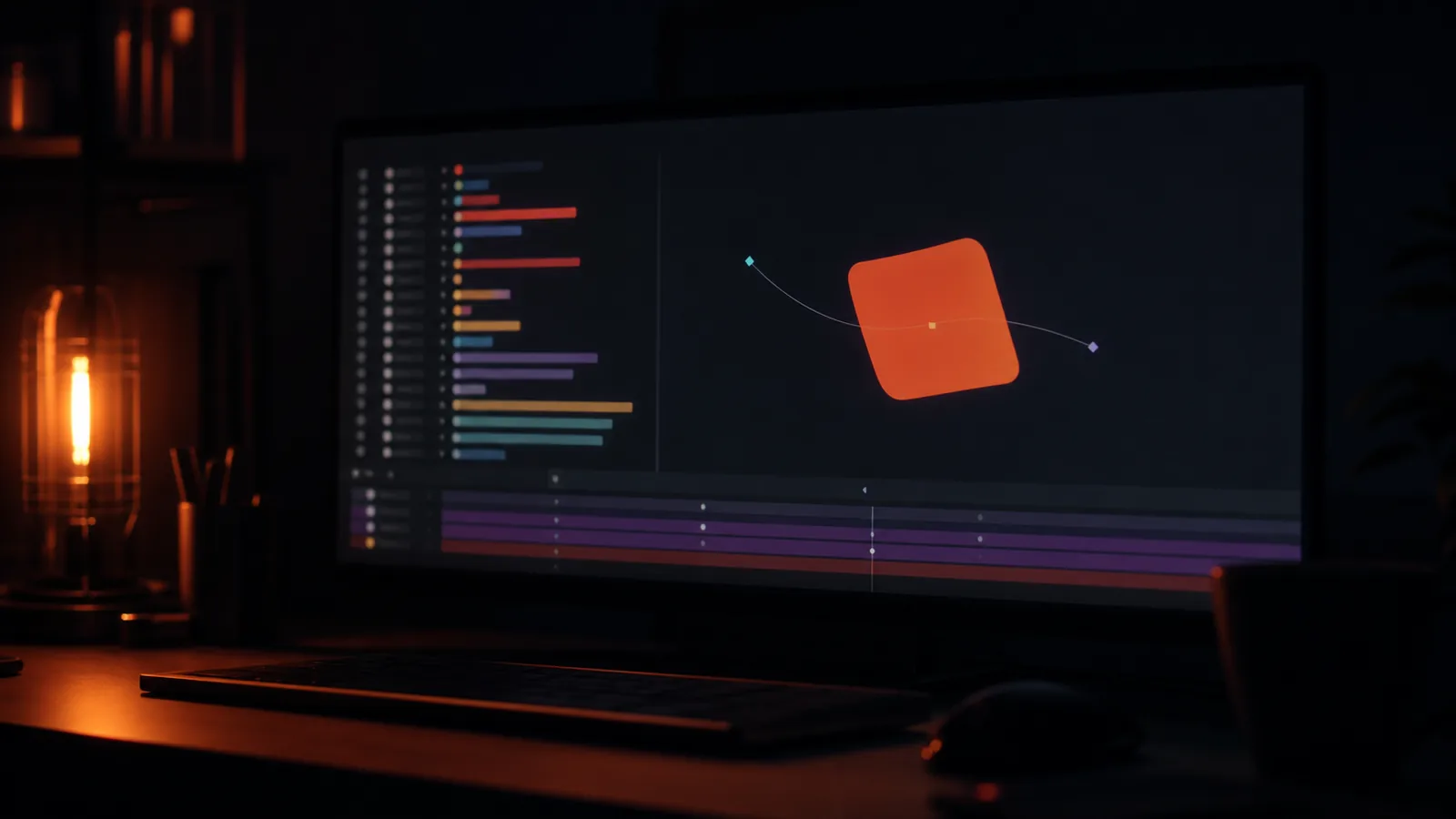
Premiere can animate. It has keyframes, it can scale and rotate, it can put a title on screen with a move. That list is why people ask the question, and why the answer is misleading if you stop there.
The two applications are built around different units. Premiere is built around time. After Effects is built around layers and compositions. That one difference decides which jobs belong where.
What Premiere does well and should keep doing
Anything that changes over time in a straight line. Titles, lower thirds, a logo that fades, a bar that wipes. Essential Graphics handles all of it, it is editable in the timeline, and moving it to After Effects costs a round trip for nothing.
Anything a client has to edit themselves later. Essential Graphics templates can be handed over as a file the client opens in Premiere. That is an argument for doing it there, and on brand work with a client who makes their own social cut-downs, it is a strong one.
Simple tracking, which Premiere can now do adequately for a label that has to follow a surface.
The four jobs that are the reason After Effects exists
Anything with a system behind it. Twelve lower thirds at different lengths, holding together as a family. In After Effects that is a composition and an expression; in Premiere it is twelve hand-built sequences that drift apart after the first revision.
Anything that has to composite. Keying, tracking a screen, replacing a background, building a shot out of several plates. Premiere will open the file and disappoint you.
Anything where the animation is the content. An explainer, an animated diagram, a title sequence. This is not a preference: the arguments for Premiere on cost disappear when the motion is most of the running time.
Anything that has to be revised by somebody else. After Effects projects with precomps and named layers are readable a year later. A stack of Premiere keyframes is not.
The line, in one question
Does the thing exist inside the film, or is the film arranged around the thing?
A title card exists inside the film. It sits on top of a cut and can move as the cut moves. Premiere.
An animated diagram that the narration is describing does not sit on top of anything. The film is arranged around it. After Effects.
The cost of getting it wrong
Doing graphics work in Premiere. The result is usually a competent cut with weak furniture: a static logo where a reveal was expected, a lower third that looks like a default. Nobody is at fault, and the note from the client will be that the graphics feel flat.
Moving trivial work into After Effects. A day of round-tripping for a fade, and a project that is now two projects to keep in sync.
Learning one and pretending the other does not exist. This is the expensive one. An editor who only cuts cannot take a motion job, and a motion designer who cannot cut cannot finish one.
Where this sits in my own work
The cut happens in Premiere, and the graphics happen in After Effects, because the round trip between them is a keystroke rather than an export. Resolve gets used when the grade is the point. The practical consequence for a client is that a job with six graphic moments and a job with a single end card are differently priced, and the difference is real work rather than gatekeeping.
If you are unsure which side of that line your project is on, describe the beats and the answer will be which one it is, including when the answer is that you do not need the second application at all.