Premiere Pro Extensions and Small Tools Worth Having
Answers best premiere pro extensions and plugins
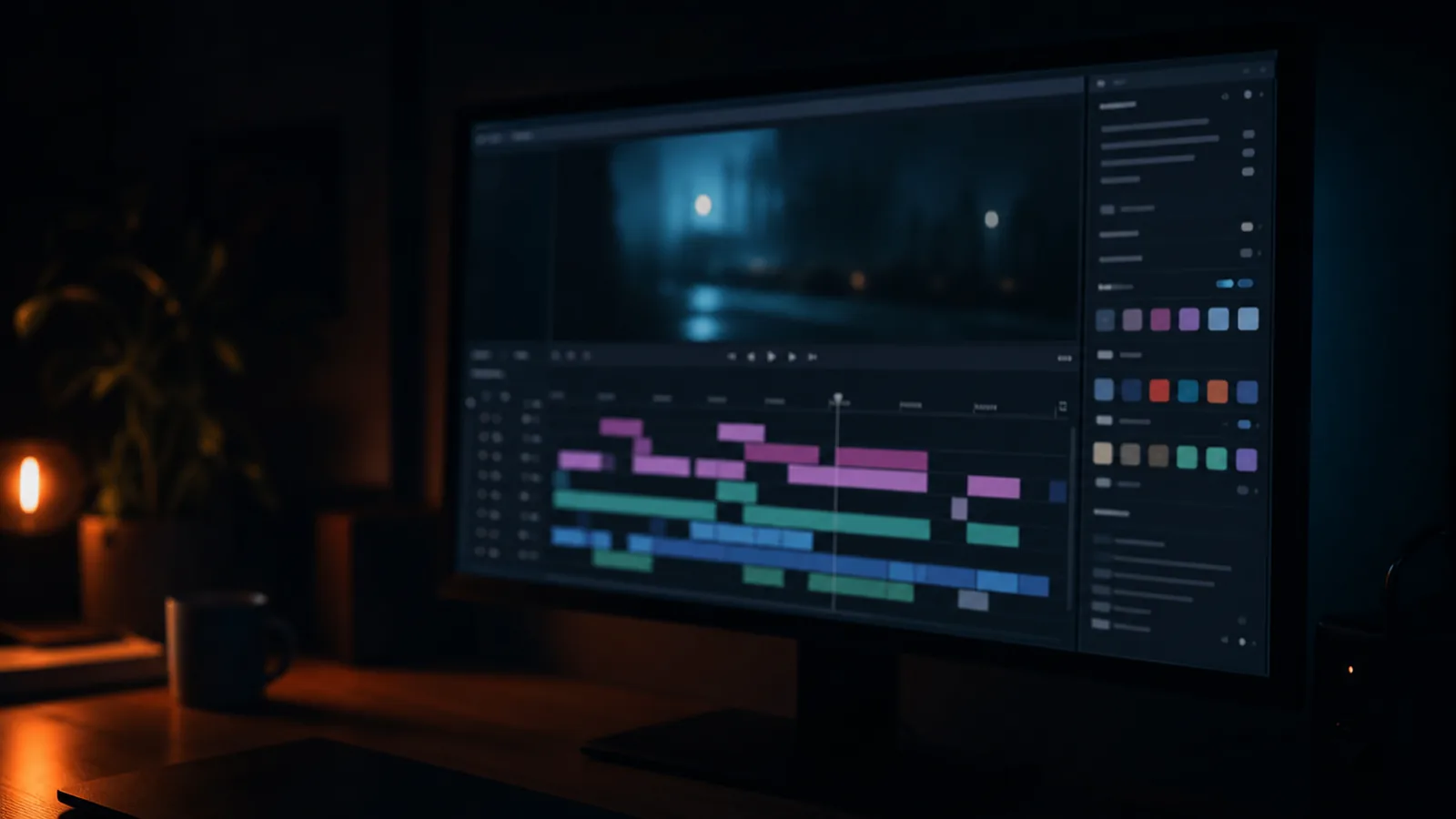
The extensions that change a working day are rarely the ones with a demo reel. They are the ones that take a thing you do forty times a project and make it once.
Where they come from
Adobe Exchange is the official marketplace and the safest place to start, because panels there are signed and reviewed. It lists free and paid extensions together, filterable by application: browse the full catalogue.
Independent sellers generally have the more interesting tools. aescripts is the best-known for Adobe scripts and plugins, and many tools are sold directly by their authors, which means the documentation is usually better and support is a real person.
Free and open source panels exist and are frequently abandoned. Worth installing if they solve a specific problem, with the same caveat as any plugin: check when it was last updated.
The categories that actually save time
Bin and media organisation. Anything that sorts, tags or renames media in bulk. On a job with several cards, this is an hour that happens every time.
Titling and caption tooling. A panel that makes captions from an audio transcription, or that builds a lower-third system rather than one lower third. Subtitle work is a large, dull share of social delivery and the tooling here is genuinely better than it was.
Markers and versioning. Tools that let you export a marked-up cut, or keep several versions in one project without losing track. On a job with four rounds of notes, this is the difference between a tidy project and a mess.
Export and delivery presets. A panel that queues several aspect ratios and specs in one go. Unglamorous, saves a genuine hour on every job that ends in five deliverables.
Keyboard and workflow. Anything that automates a sequence of actions you repeat. The most valuable one I have used does nothing but reorder clips on a track.
How to judge one before buying
Does it write data into the project file in a proprietary way? If so, uninstalling it breaks old projects. Prefer tools that work on the timeline rather than inside the project structure.
Does it survive an application update? Look at the release history. A tool updated twice a year is alive; one last updated two versions ago is a liability.
Can you get your work out? If the tool generates something only it can open, you have rented your own project.
Is it a subscription or a licence? A tool you use on every job justifies a subscription. One you use twice a year does not, and the annual cost is easy to forget.
The honest position on extensions
Most editors need two or three. The rest is a hobby, and a project file with nine installed panels opens on nobody else's machine without a conversation.
If you are commissioning work rather than doing it, the practical version is this: the tools change how long something takes, not what it looks like. A quote should be about the deliverable. If a supplier is charging more because of the software they choose to run, that is worth asking about.
Where the software genuinely changes the outcome, I will say so, and it is usually in graphics rather than in the cut. For anything specific, ask about the job rather than the tool.