Editing Vertical Without Cropping Your Framing to Death
Answers how to edit vertical video from horizontal footage
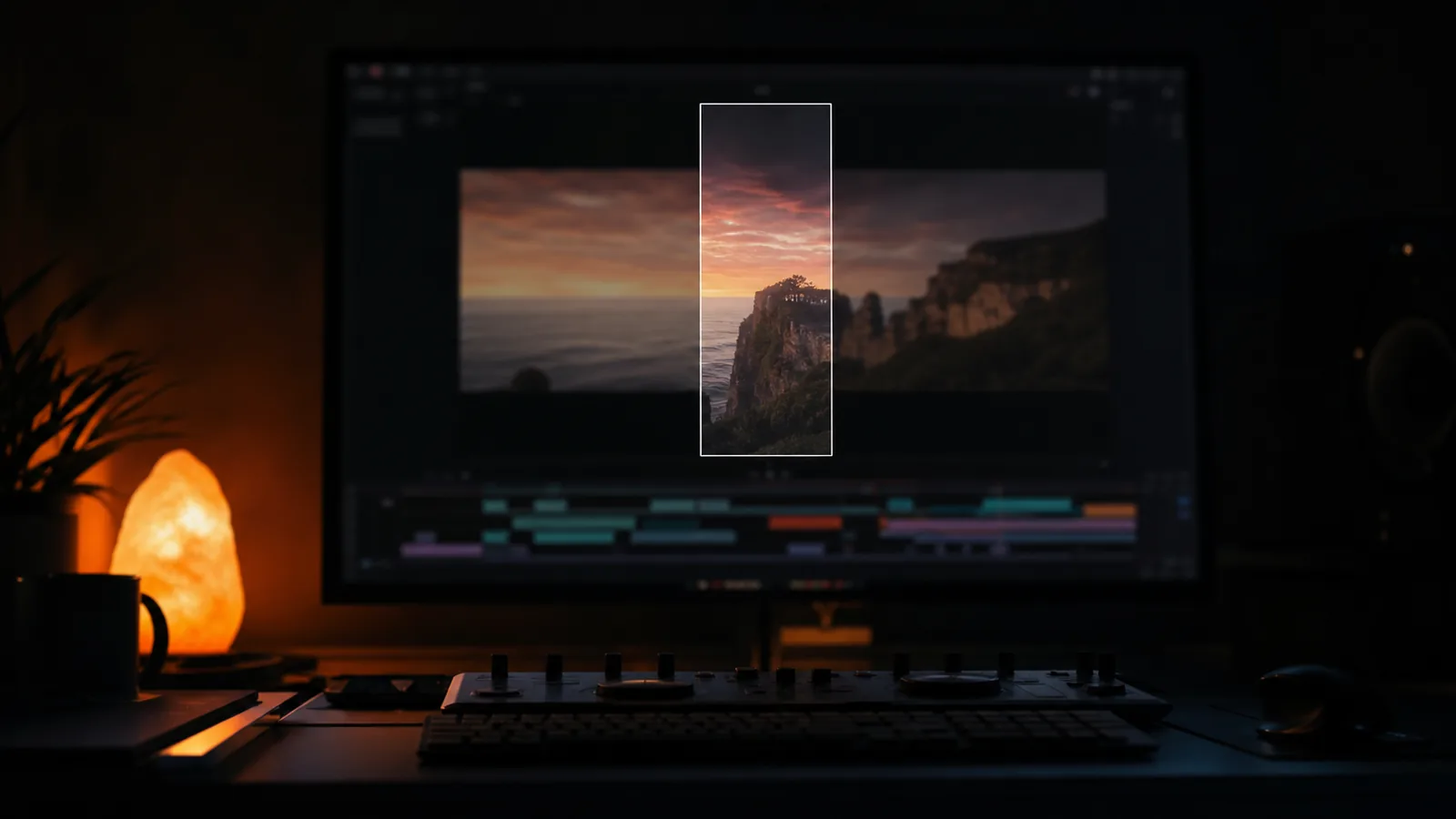
The usual approach is to finish the horizontal film, set the sequence to nine by sixteen, and slide the picture until the subject is roughly in the middle. It is fast, it is one export, and it is why so many vertical cuts feel like a window into somewhere else.
The frame is a different shape, so the composition has to be a different composition.
What actually changes
There is no room for context. A wide shot in a vertical frame is a narrow slice of a wide shot. If the point of a shot was the room, the desk and the two people, the vertical crop removes the point and keeps the furniture.
So the wide shots get replaced rather than cropped. Either recompose them on the timeline, or use the same footage from a closer angle, or accept that the wide belongs in the horizontal version only.
Faces want to sit higher. The extra height in a vertical frame means dead space above a subject reads as a mistake. Put the eyes in the upper third and let the frame crop into the body.
Text needs to move. Any lower third built for the bottom of a wide frame now sits on the subject's chest. Titles for vertical belong at the top or in a band, and they need to be bigger, because the whole thing is being watched on a device held closer.
The cutting rate can go up, slightly. Not double, and not on the beat, but vertical plays on a phone with a thumb near it, and a beat that felt long on a laptop feels longer here.
A workflow that avoids the double edit
Shoot with the vertical in mind. Even on a horizontal job, get one tighter pass for the vertical, or at least keep the subject centred enough that a 9:16 crop is possible. This is a two-minute conversation on set and it saves the whole problem.
Cut the hero film first, then derive. Never build both at once. The horizontal film decides what has to be said; the vertical version has to say the same thing in a shape that has less room for the supporting shots.
Recompose rather than crop. On the timeline, move the picture inside the vertical frame shot by shot. It sounds slow and it is the actual work. An automatic reframe guesses where the subject is; a person knows what the shot is for.
Re-cut the graphics rather than scaling them. A title card scaled to fit a vertical frame has different proportions and looks like an accident. Rebuild it in the new shape.
What to deliver
The same film is not the same film in two shapes. Deliver:
- the hero in the frame it was cut for
- a vertical cut with its own graphics and its own mix balance
- a caption version, because a large share of vertical viewing is silent
- and a note on which shots changed, so nobody wonders why the vertical is missing a moment
If the vertical version keeps getting pushed to the end of the job, it is worth cutting it in from the start rather than treating it as an export.